Settings
General
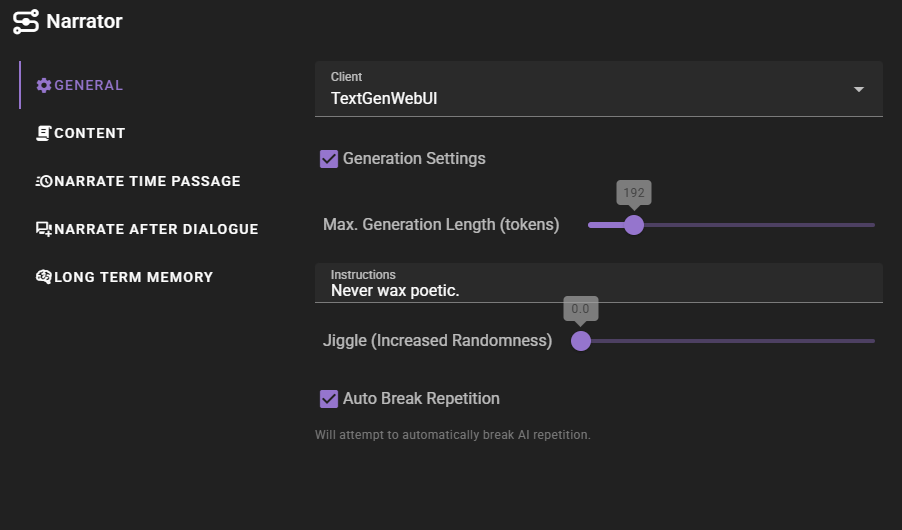
Client
The text-generation client to use for conversation generation.
Generation Override
Checkbox that exposes further settings to configure the conversation agent generation.
Instructions
Extra instructions for the generation. This should be short and generic as it will be applied for all narration.
Generation Length Per Narration Type
Generation length is configurable per narration type. Each type of narration can have its own maximum token length, allowing you to control how verbose different types of narration are:
- Progress story -- general story progression narration
- Scene narration -- environment and scene descriptions
- Query -- responses to player queries
- Character -- character-focused narration (look at character)
- Time passage -- narration during time jumps
- After dialogue -- automatic narration after character speech
- Character entry -- narration when a character enters the scene
- Character exit -- narration when a character leaves the scene
Content
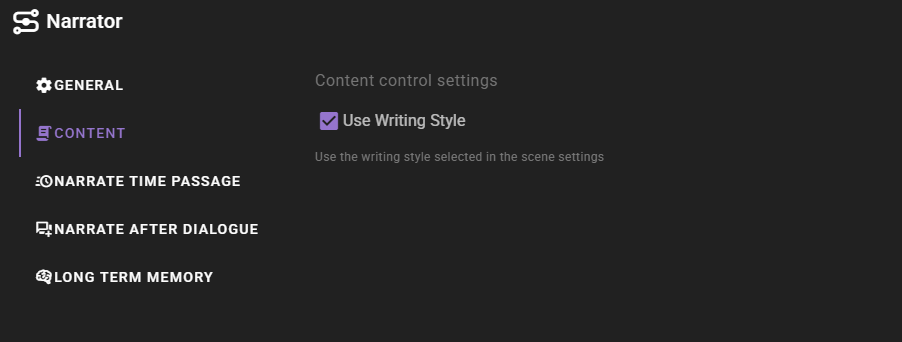
Content settings control what contextual information is included in the prompts sent to the AI when generating narration.
Use Scene Intent
When enabled (default), the scene intent (overall intention) will be included in the narration prompt. This helps the AI generate narrative content that aligns with your story goals and the current scene direction.
Disable this if you want the AI to generate narration without being influenced by the scene direction settings.
Use Writing Style
When enabled (default), the writing style selected in the Scene Settings will be applied to the generated narration.
Disable this if you want the AI to generate narration without following the scene's writing style template.
Narrate time passage
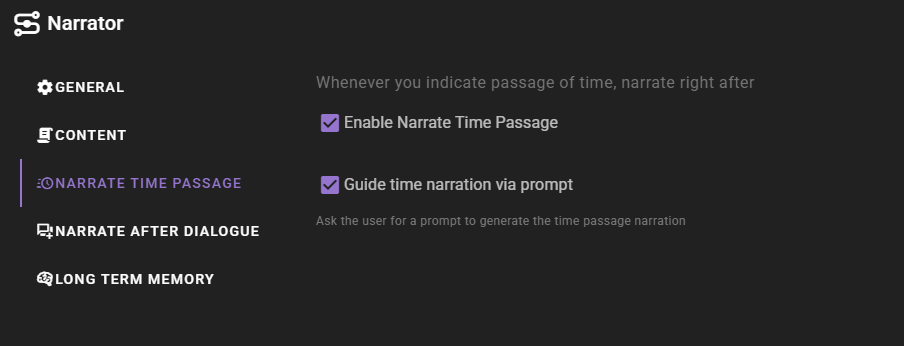
The narrator can automatically narrate the passage of time when you indicate it using the Scene tools.
Guide time narration via prompt
Wheneever you indicate a passage of time using the Scene tools, the narrator will wait for a prompt from you before narrating the passage of time.
This allows you to explain what happens during the passage of time.
Auto Narration
New in 0.37.0
Replaces the Narrate after Dialogue action. The old auto-trigger fired a single, fixed narration type after every character turn; Auto Narration is a probability-gated dispatcher that can fire any one of three narration types — including the same post-dialogue narration that the old action ran.
Container action that fires narration on its own during the scene loop. Disabled by default; quick toggle available next to the agent's General settings.
See Auto Narration for the full description, weights breakdown, and gating rules.
Chance
Master probability that anything fires on a given actor turn. Range 0.0–1.0, step 0.05. 0 never fires; 1 fires every turn. The chance roll is the last gate — feature-disabled, scene-direction suppression, and zero weights all skip the roll entirely.
Action Weights
Relative likelihood of each action when auto narration fires. Three sliders that auto-rebalance to always sum to 1.0:
- Progress Story — moves the story forward (uses
progress_story). - Narrate Scene — visually-focused description of what is currently happening (uses
narrate_scene). - Narrate Environment — post-dialogue ambience and reactions, focused on sensory information (uses
narrate_after_dialogueinternally; the response length budget for it lives under Generation Length Per Narration Type → After dialogue).
Drag any slider to set its weight; the other two redistribute proportionally to make the total stay at 1.0. The slider you released last is "pinned" (a small icon appears next to its label) so you can adjust a third slider without disturbing the value you just set. A weight of 0 removes that action from the pool entirely — the chance roll still happens, but the action is not eligible to be picked.
Disable during scene direction
Default on. When the director's Scene Direction is enabled — either via the agent toggle or a scene-level always-on override — Auto Narration is skipped. Turn this off if you want both systems running at once.
Long Term Memory
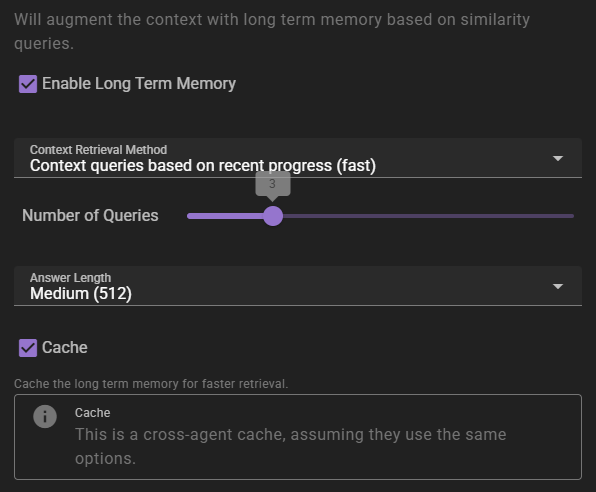
If enabled will inject relevant information into the context using relevancy through the Memory Agent.
Context Retrieval Method
What method to use for long term memory selection
Context queries based on recent context- will take the last 3 messages in the scene and select relevant context from them. This is the fastest method, but may not always be the most relevant.Context queries generated by AI- will generate a set of context queries based on the current scene and select relevant context from them. This is slower, but may be more relevant.AI compiled questions and answers- will use the AI to generate a set of questions and answers based on the current scene and select relevant context from them. This is the slowest, and not necessarily better than the other methods.
Number of queries
This settings means different things depending on the context retrieval method.
- For
Context queries based on recent contextthis is the number of messages to consider. - For
Context queries generated by AIthis is the number of queries to generate. - For
AI compiled questions and answersthis is the number of questions to generate.
Answer length
The maximum response length of the generated answers.
Cache
Enables the agent wide cache of the long term memory retrieval. That means any agents that share the same long term memory settings will share the same cache. This can be useful to reduce the number of queries to the memory agent.