Suggestions
Agents, through various actions, may propose changes to the world.
Such proposals will end up in the view.
Currently only character changes are supported, but more types of changes may be added in the future.
Manually request proposals
You can generate proposals manually by clicking the Suggest Changes button in the character editor.
Check new proposals
When a proposal has been generated it, if the character currently is acknowledged in the worldstate, a lightbulb will appear next to the character name.
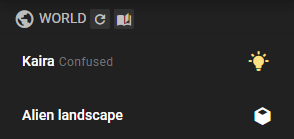
Click the name to expand the character entry and then click the to view the proposal.
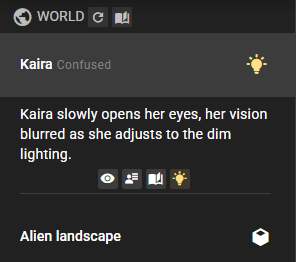
You will be taken to the world editor suggestions tab where you can view the proposal and accept or reject it.
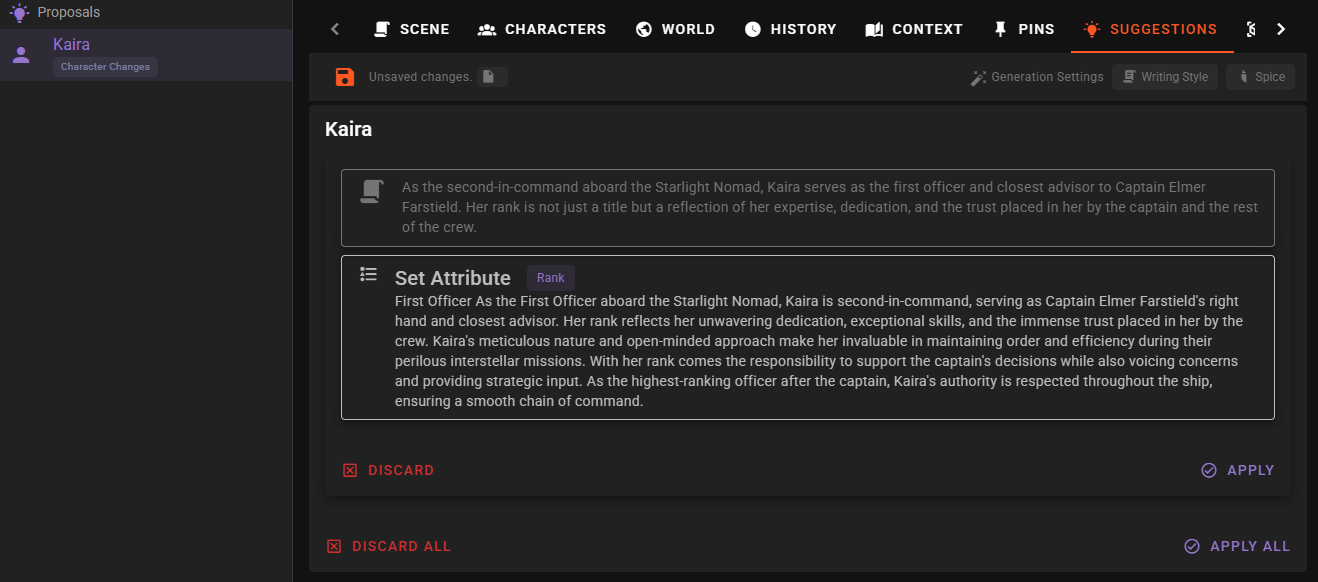
Select a character in the Proposals sidebar to review their pending changes. Apply all and Discard all affect only that character; other characters' proposals remain available. The suggestion icon in the world-state snapshot opens the matching character's proposals.
A progression check that finds no changes creates no proposal entry or icon and preserves any proposals already waiting for review.