Revisions
Revisions were introduced in version 0.30.0 and allow the editor to detect and fix repetition and unwanted prose.
Please see the settings for more information on how to configure Revisions.
Automatic revision
In Character perspectives stories, perception analysis runs after automatic revision and uses the final accepted text. Successful analysis makes that version ready immediately. Saving a manual text edit instead defers analysis until Analyze perceptions or your next send/choice.
Automatic revision is off by default. Revision itself is on, so you can revise the latest message by hand without enabling it.
Once automatic revisions are enabled, if the editor finds an issue in a message you will see the following status updates:


Once the revision is complete the editor agent will indicate that that it made some changes by showing the icon next to its name.
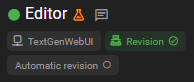
Click the icon to open the Agent Messages dialog to view the changes.
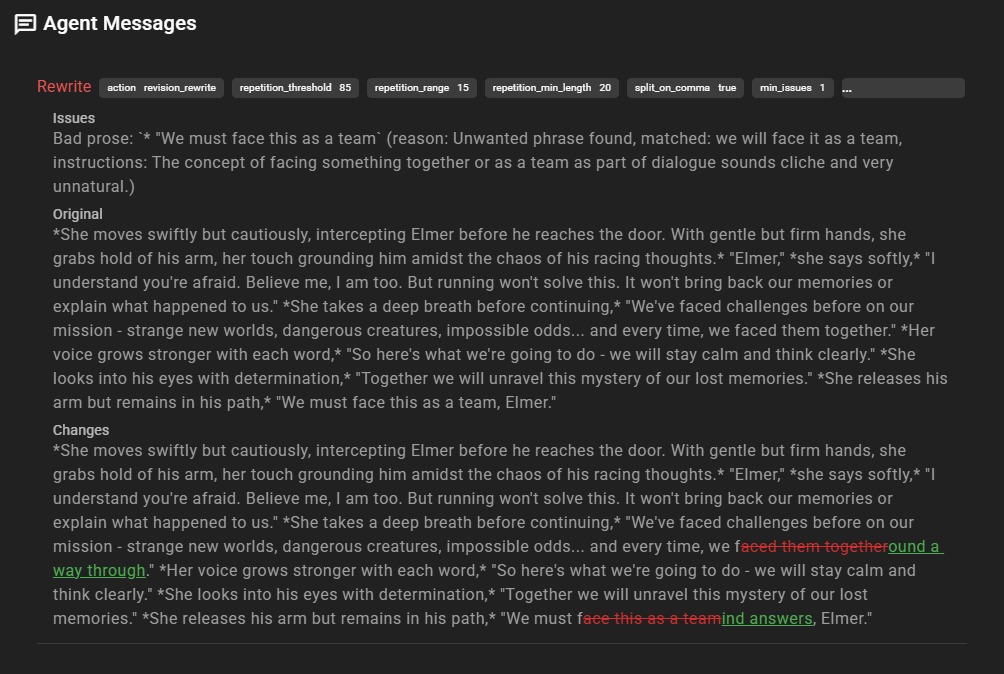
Which message types are revised automatically is controlled by the Automatic Revision Targets setting. Character and narrator messages are included by default; context-investigation messages (the results of Look at, Investigate, and Query) can be added by enabling their target, which is off by default.
Automatic revision also runs when you regenerate a message, in both Standard and Character perspectives stories. If the history window needed for that revision is unavailable, the editor uses reader-visible scene history, which may include content the character does not know, without requesting a perception repair. Older failed views outside that window do not trigger this fallback. Cancelling revision keeps the unrevised text; other skipped revisions show a Revision skipped: … status with the reason. Finding nothing to fix leaves the text unchanged.
Manual revision
You can also trigger a revision yourself on the most recent message without waiting for automatic revision (or with automatic revision turned off entirely).
When revision is enabled, hover over the latest character, narrator, or context-investigation message and click the Revise chip in its toolbar. The chip's label reflects the configured revision method (for example, Dedupe, Unslop, or Targeted Rewrite).
A revision has one of three outcomes:
- The text was changed - it's added as a new version of the message; use the message's version paginator to step between the original and the revision.
- No changes were needed - the message is left untouched and a status notice confirms it.
- The revision failed or was cancelled - the message is left untouched.
Revisions never overwrite the original. See Message revision history for how to move between versions.