Context DB
A read-only interface to browse and search the current context database managed by the Memory Agent.
Note
This interface will likely be revamped soon, so documentation will be minimal currently.
Searching
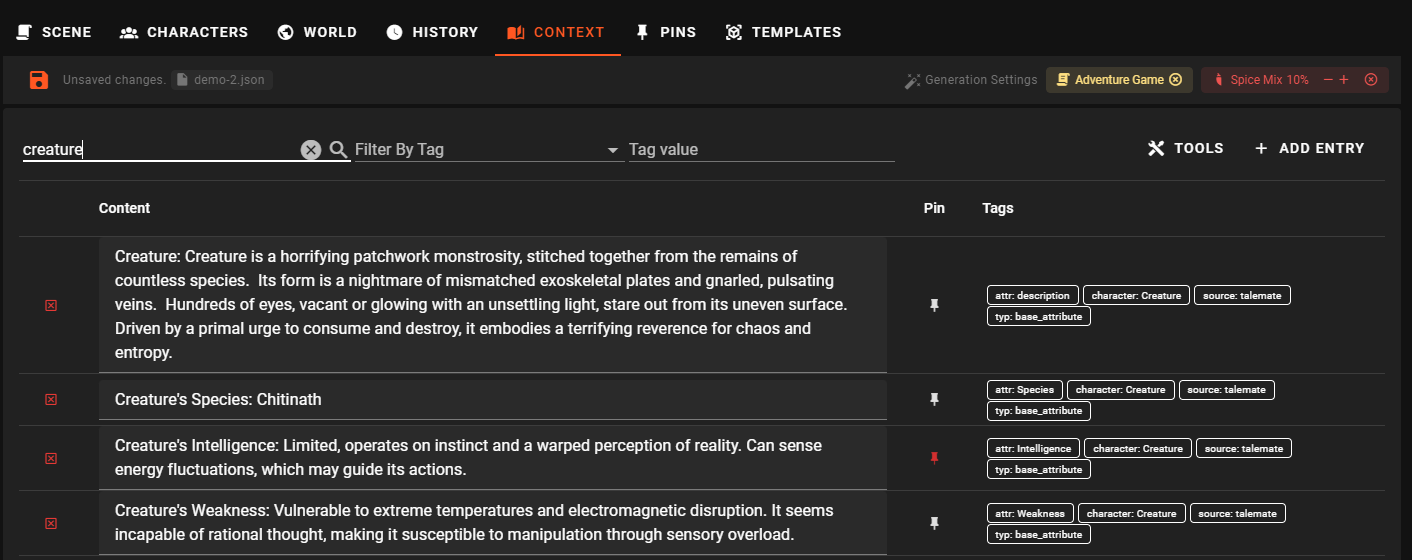
Search is done by typing in the search field and pressing Enter.
The search looks for the entered text based on relevancy using embeddings. Without getting too technical here, that means if you're using the basic chromadb configuration, accuracy may be lacking.
See Memory Agent - Embeddings for more information on how to improve the search accuracy.
Search Strictness
The Search Strictness slider tunes how closely a result must match the query before it is returned.
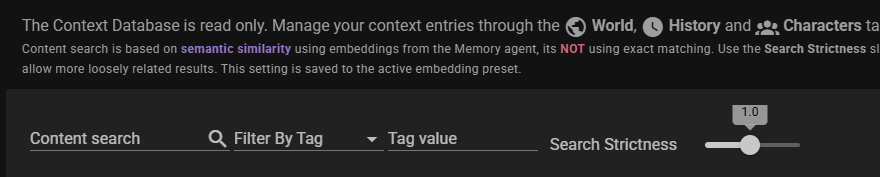
- Range:
0.1to2.0, in steps of0.1. - Default:
1.0. - Lower values require closer matches (stricter search, fewer but more relevant results).
- Higher values accept more loosely related results (looser search, more results of lower relevance).
The slider value is the distance_mod multiplier on the active embedding preset's distance setting, and it is applied immediately to any subsequent search.
Saved to the active embedding preset
Moving the slider writes the new value to the embedding preset currently selected in the Memory agent settings. The change persists across restarts and affects every search that uses that preset.
The same value is also editable from the embedding preset itself as the Distance Mod field.
Adding an entry
While you can manually add an entry through this interface, its not really encouraged anymore.
It is better to use the World and Characters tabs to add entries to the context database.
Tools
Reset
Resets the context database, and will remove all entries and then re-populate it with the entries in the current scene.
Warning
Entries added manually directly to the context db will not be in the scene file, and be lost during this operation.