Storytelling
The Storytelling group in the application settings holds shared building blocks that are offered as picker options elsewhere in the UI. Open the Settings tab in the top navigation and find the Storytelling group in the sidebar.
Two pages live here:
- Content Classification — the list of content classification strings offered when you set up a scene.
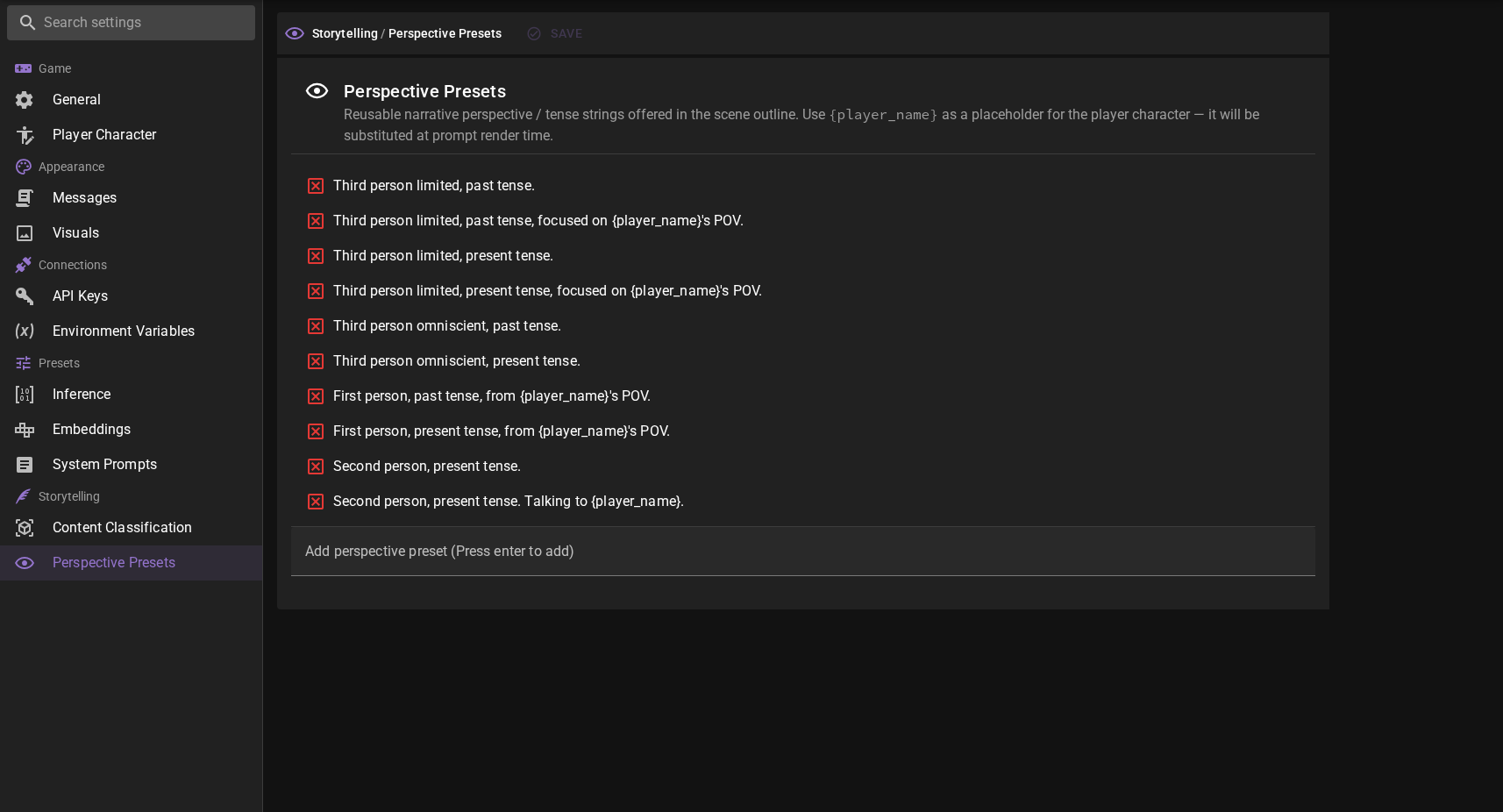
- Perspective Presets — the list of narrative perspective / tense strings offered in the scene outline.
Both lists are global to your Talemate installation. Editing them does not change any existing scene — your scenes keep whatever value they were saved with. The lists only affect what appears as suggestions in the pickers next time you edit a field.
Content Classification
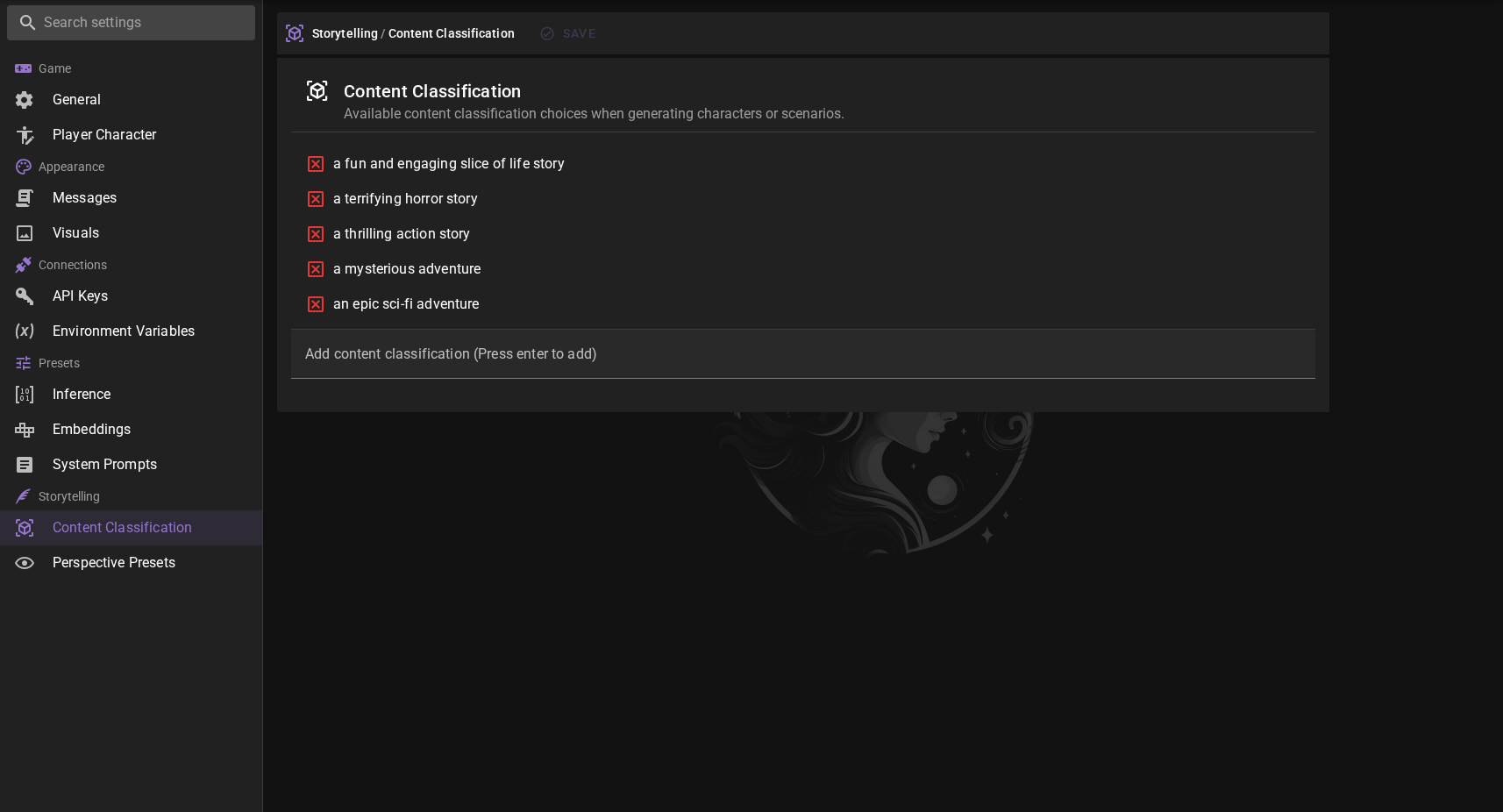
Available content classification choices when generating characters or scenarios. Add and remove entries the same way as perspective presets below.
Perspective Presets
Added in 0.38.0
The presets you add here show up in every Perspective and tense combobox in the scene outline (default plus the three per-speaker overrides). They are convenience suggestions, not constraints — you can always type a custom value into any of the four fields if no preset fits.
Adding a preset
- Type the perspective string into the Add perspective preset text field at the bottom of the list.
- Press Enter to add it.
The new entry is appended to the list and becomes available immediately to every scene outline combobox.
Removing a preset
Click the red icon next to a preset to remove it from the list. Removing a preset does not change scenes that already use that value — it just stops suggesting it.
The {player_name} placeholder
Any preset that contains the literal string {player_name} will have that substring replaced by the active player character's name at prompt render time. This lets you share presets across scenes without having to rewrite them for each protagonist.
For example, the preset:
First person, present tense, from {player_name}'s POV.
will be rendered as First person, present tense, from Annabelle's POV. in a scene whose player character is named Annabelle, and as First person, present tense, from Marcus's POV. in a scene whose player character is named Marcus.
If a scene has no explicit player character, perspectives that use {player_name} are suppressed rather than substituted — the placeholder has no anchor to point at. Use a non-placeholder preset for scenes without a player character.
Default presets
Talemate ships with a starter list covering the most common configurations (third / first / second person, past and present tense, omniscient and player-anchored variants). For an explanation of what each default preset means in plain English with a sample of the prose style it produces, see the Preset reference in the scene outline docs.
Treat these as a starting point — add your own house styles (for example a preset that pins POV to a specific named character, or one that includes a tone hint like Third person limited, past tense, hard-boiled noir voice.) so they appear in every new scene you create.
Related
- Scene Outline — Perspective and Tense — where the presets are consumed.
- System Prompt Overrides — for changing the AI's general role and approach (writing style and tense belong in the scene outline, not in a system prompt).