Connections
The Connections group of the application settings holds everything Talemate talks to: the LLM clients it generates with, the agents that use them, the optional decision model, credentials for third party services, and the environment variable store. It leads the sidebar — open it from the Settings tab in the top navigation.
Its first three pages have their own documentation:
- Clients — add, configure and remove the LLM backends Talemate generates with. See Client configuration.
- Decision Model — the one optional model Talemate asks typed questions, off until you turn it on. See Decision Model.
- Agents — choose which client each agent generates with and how it behaves, globally or per scene.
The remaining two pages are described below.
API Keys
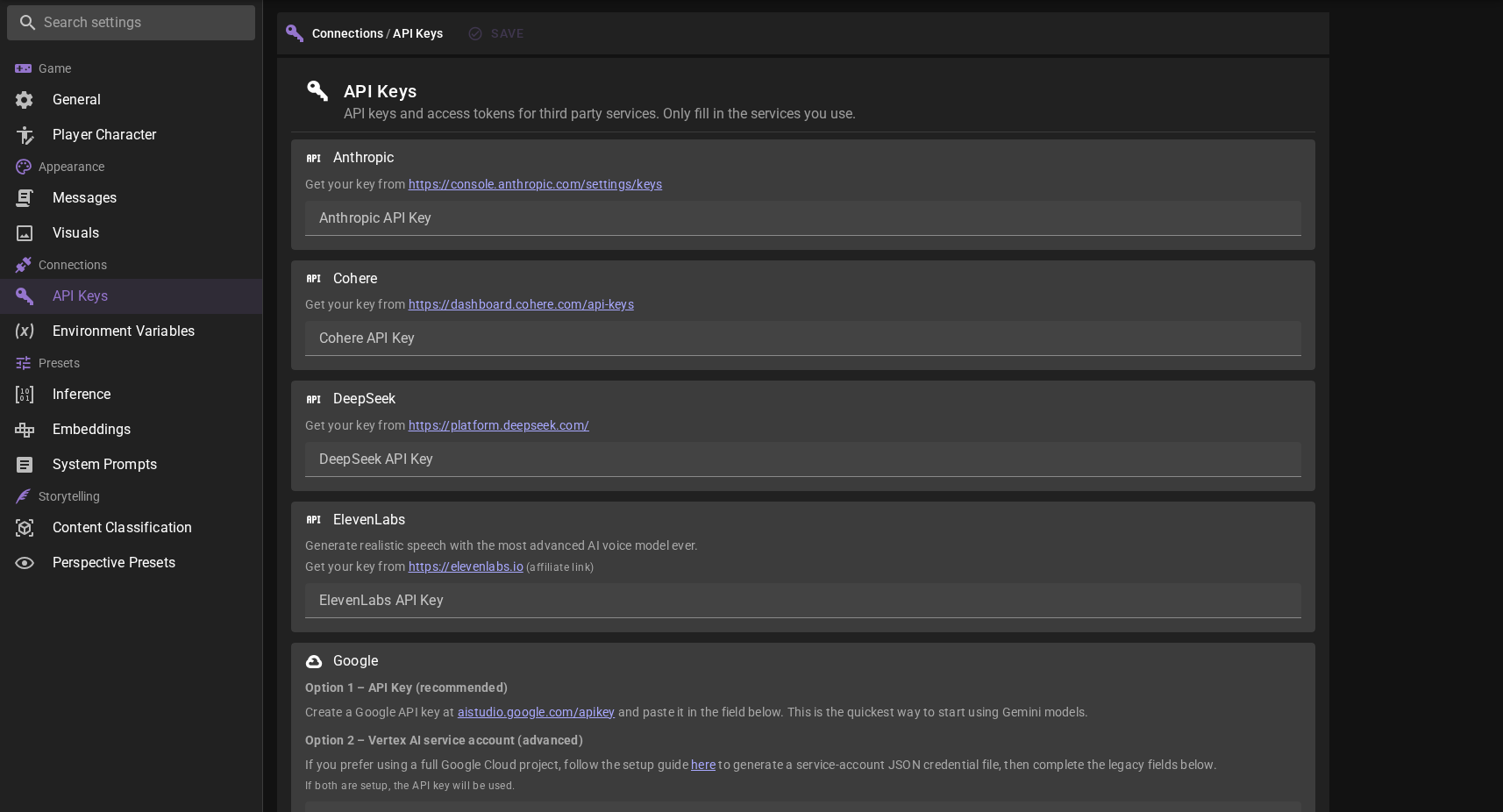
Configure API keys for integration with external services. (OpenAI, Anthropic, etc.)
All services live on a single page — scroll to the service, paste your key or token, and save. You can also type a service name into the sidebar's Search settings field to jump directly to its entry.
HuggingFace Token
Added in 0.38.0
Some features download model weights from Hugging Face. Most weights are open and download without any credentials, but a few are gated — Hugging Face requires you to be signed in and to have accepted the model's terms before it will let you download them. The Pocket TTS voice-cloning model is one such gated model.
To download gated weights, add a HuggingFace access token:
- Find the HuggingFace entry on the API Keys page.
- Create a token at https://huggingface.co/settings/tokens. A read token is sufficient.
- Paste it into the HuggingFace Token field and save.
The token is shared across Talemate. Once set here, any feature that needs to download gated weights (such as the Pocket TTS agent) will use it automatically. You can also set the same token directly in the Pocket TTS agent config — both fields point at the same setting.
Accepting model terms
A token only proves who you are. For gated models you still need to visit the model's page on Hugging Face and accept its terms once with the same account before the download will succeed.
Environment Variables
Added in 0.39.0
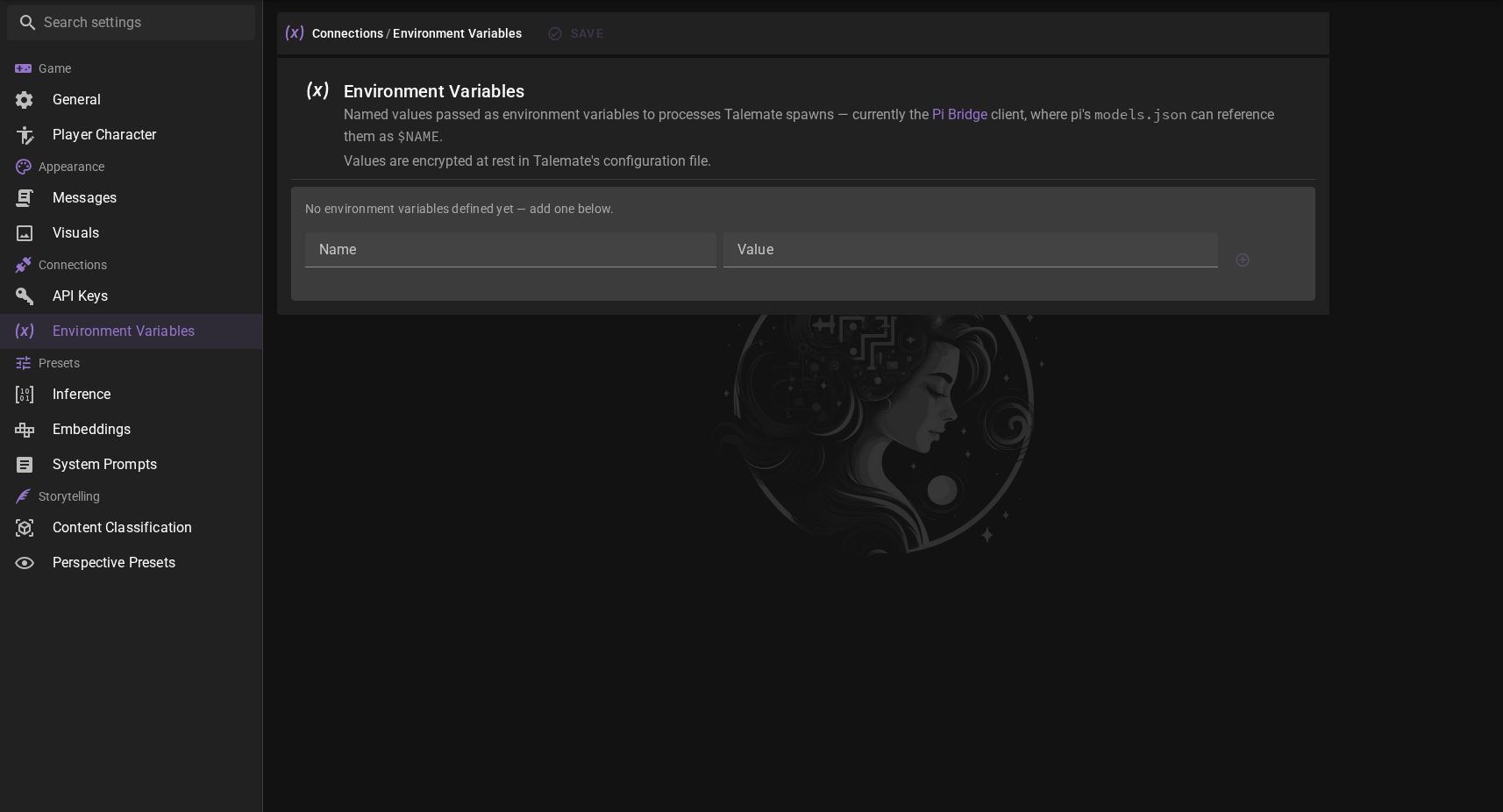
Named values that are passed as environment variables to processes Talemate spawns — currently the Pi Bridge client, where pi's models.json can reference them as $NAME.
Values are encrypted at rest in Talemate's configuration file. See API key encryption for how encryption keys are managed.
To add a variable, enter a name (letters, digits and underscores; must not start with a digit) and a value in the bottom row and press ++enter++ or the plus button. Existing variables can have their value edited in place or be removed with the delete button; remember to save.